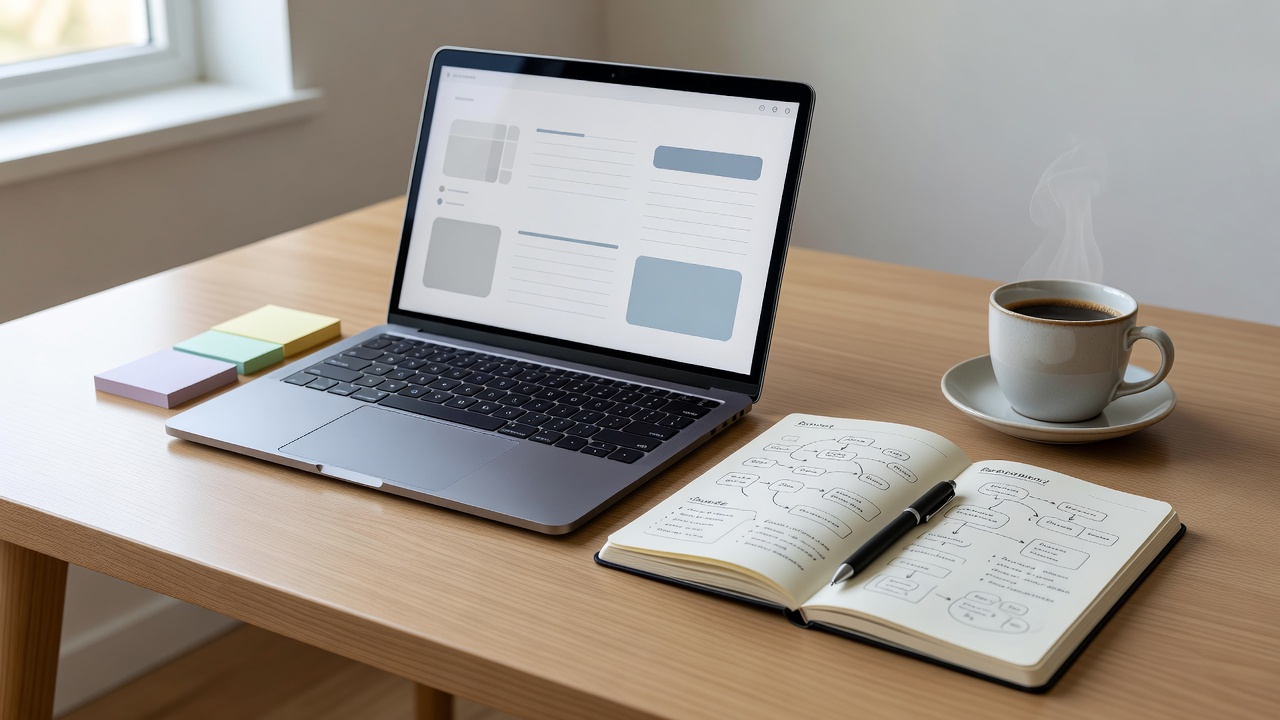
Digital organization can become a project that competes with the work it was meant to support. Elaborate folders, numerous tags and carefully designed dashboards may be enjoyable, but they are optional. The essential test is simpler: can you find the decision, reference or instruction you need without reconstructing the whole conversation?
This lesson focuses on personal working notes rather than formal records management. Employer policies, confidentiality requirements and retention rules take priority. Do not move work or client information into a personal app merely because that app feels easier to use.
Choose one ordinary capture point
Incoming information is not always ready to be filed. You may be standing in a corridor, ending a call or trying to remember an idea before another interruption. Pick one convenient place for these rough captures: an inbox note, a small notebook or a plain text file.
The point is to reduce the number of places you must check. If you need separate work and personal systems for privacy or policy reasons, keep that boundary. “One capture point” is a simplifying principle within an appropriate context, not an instruction to combine confidential and household information.
Set a review cue for the capture point. During a natural transition, decide whether each item is an action, a reference, a useful idea or something you no longer need. A capture inbox without review eventually becomes another place where information disappears.
File for the way you will look
Start with the smallest structure that reflects your real use. You might keep active projects, ongoing responsibilities and an archive. A project has an outcome you can finish, while a responsibility, such as maintaining a home, continues. Separate them only if the distinction makes retrieval easier.
Tiago Forte’s PARA method uses Projects, Areas, Resources and Archives. Sönke Ahrens’s How to Take Smart Notes discusses connected notes for thinking and writing. These approaches serve different needs. A person tracking repair quotes may need simple project folders; someone developing a research argument may benefit from links between ideas.
Use titles containing words you are likely to search for. “Boiler repair — contractor quote — March” is more useful than “Important notes.” Dates are helpful when timing matters, but a date alone does not tell you what a note contains. Put the subject before decoration or clever abbreviations.
Separate decisions from surrounding detail
A long meeting note can bury the answer to a practical question. Add a short summary near the top: the decision, the next action, the owner and any agreed deadline. Keep context underneath if it remains useful. Do not present a suggestion as a confirmed decision.
A simple decision-note template
For personal use, omit fields that do not apply. For work records, use the approved process and storage location.
A reference note and a task are not interchangeable. If a note contains something you must do, put the action in the place you review for commitments and link back to the note where possible. Otherwise the task may remain invisible until you happen to reopen the document.
Choose tools after the workflow
Apple Notes, Microsoft OneNote, Google Keep, Obsidian and Joplin can all support ordinary note-taking, though their features, storage models and account requirements differ. This is not a recommendation of one product. Check current documentation, export options, accessibility and privacy settings before relying on a tool.
Portable formats can reduce future friction. Plain text and Markdown are useful for many written notes, while PDF may suit some reference documents. No format guarantees perfect migration. Test a small export and reopen it elsewhere before assuming that a large archive will transfer cleanly.
Synchronization and backup solve different problems. Sync helps devices share current data; it can also synchronize accidental deletions. A separate backup or version history may help recovery, depending on the tool. Confirm the provider’s actual behavior rather than assuming every app preserves previous versions indefinitely.
Try the find-it test
Choose three notes you expect to need again: perhaps a household instruction, a project decision and a reference you used recently. Close the app or folder. For each note, begin from the place you normally start and try to retrieve it using the words you naturally remember.
- Notice where you hesitate or guess.
- Rename a confusing title using familiar subject words.
- Move the note only if its current location is misleading.
- Add one relevant link or keyword if it helps.
- Repeat the retrieval attempt without browsing unrelated folders.
The aim is not a flawless retrieval score. It is identifying one small obstacle and removing it. Avoid reorganizing the whole archive during this exercise; that can turn a practical test into hours of maintenance.
Keep the system light enough to maintain
Archive completed projects when their notes no longer need daily attention. Keep only the tags that answer a real retrieval question. If you never use a category to search, filter or decide, it may not need to exist.
If you have a large backlog, begin with current work rather than processing every historical note. Improve an old note when you actually need it. The system should make the next useful action easier, not demand that the past be perfectly sorted first. For handling the attention needed to use your notes, try the focus lesson.